

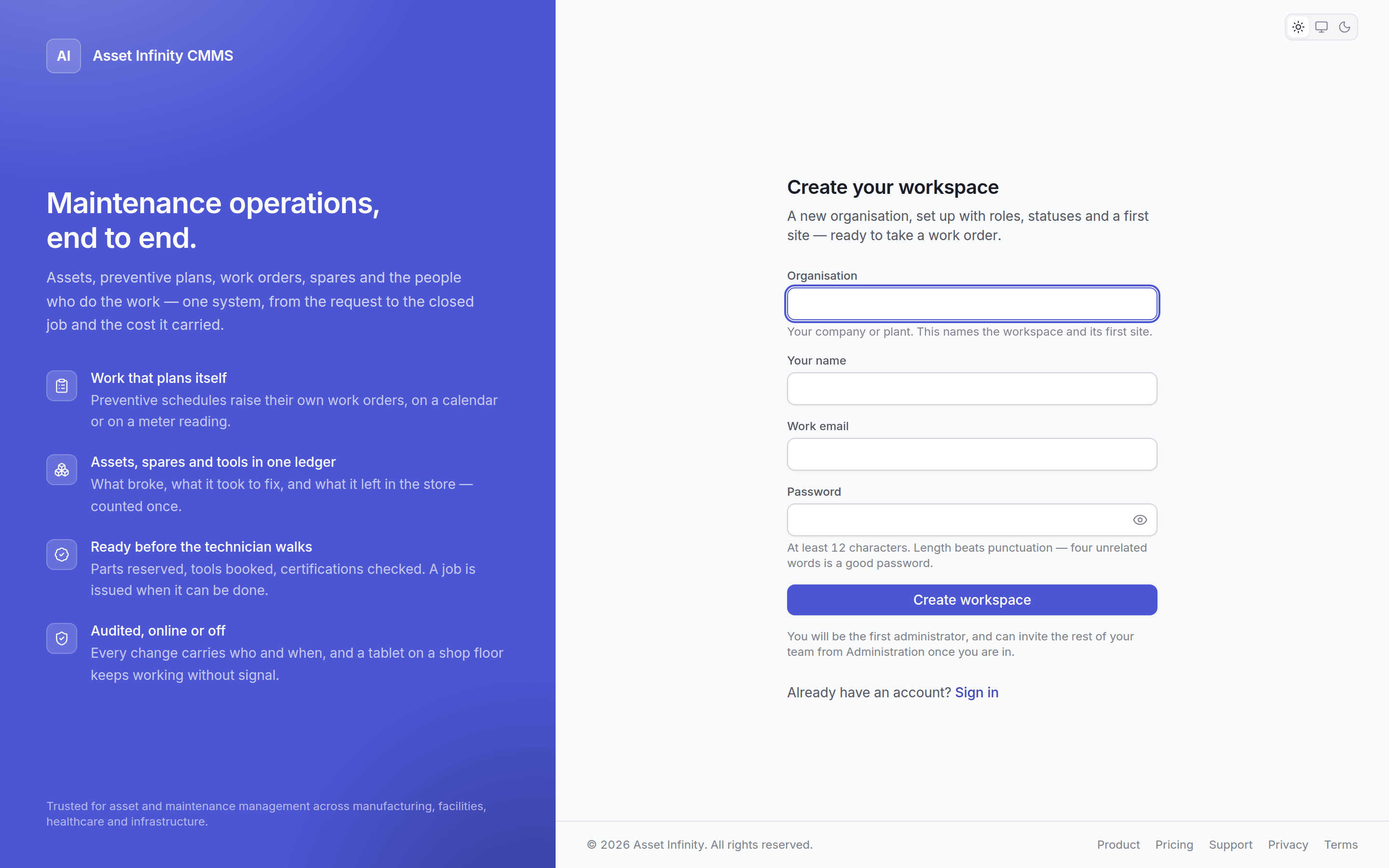
Signing up
Enter your organisation’s name, your name, your work email and a password. That creates the whole organisation and signs you in as its first administrator.Some deployments provision organisations by hand instead. If self-service signup is switched off,
the sign-up page will not be offered and your administrator creates the account for you.
What you get
A new organisation is not empty. It arrives with:
So the product works from the first sign-in. Everything above is then yours to change.
First things to do
1
Rename the site
Under sites and organisation. The default site is a placeholder.
2
Build the location tree
Buildings, floors, lines, rooms. Assets need somewhere to live.
3
Invite people
Add users and give them roles under people and access.
4
Configure before loading
Asset types, categories, criticality and meter types before you load assets — it is much easier
than reclassifying afterwards. See asset settings.
5
Load your assets
See the asset register.
6
Build your first plan
See the plan builder.