

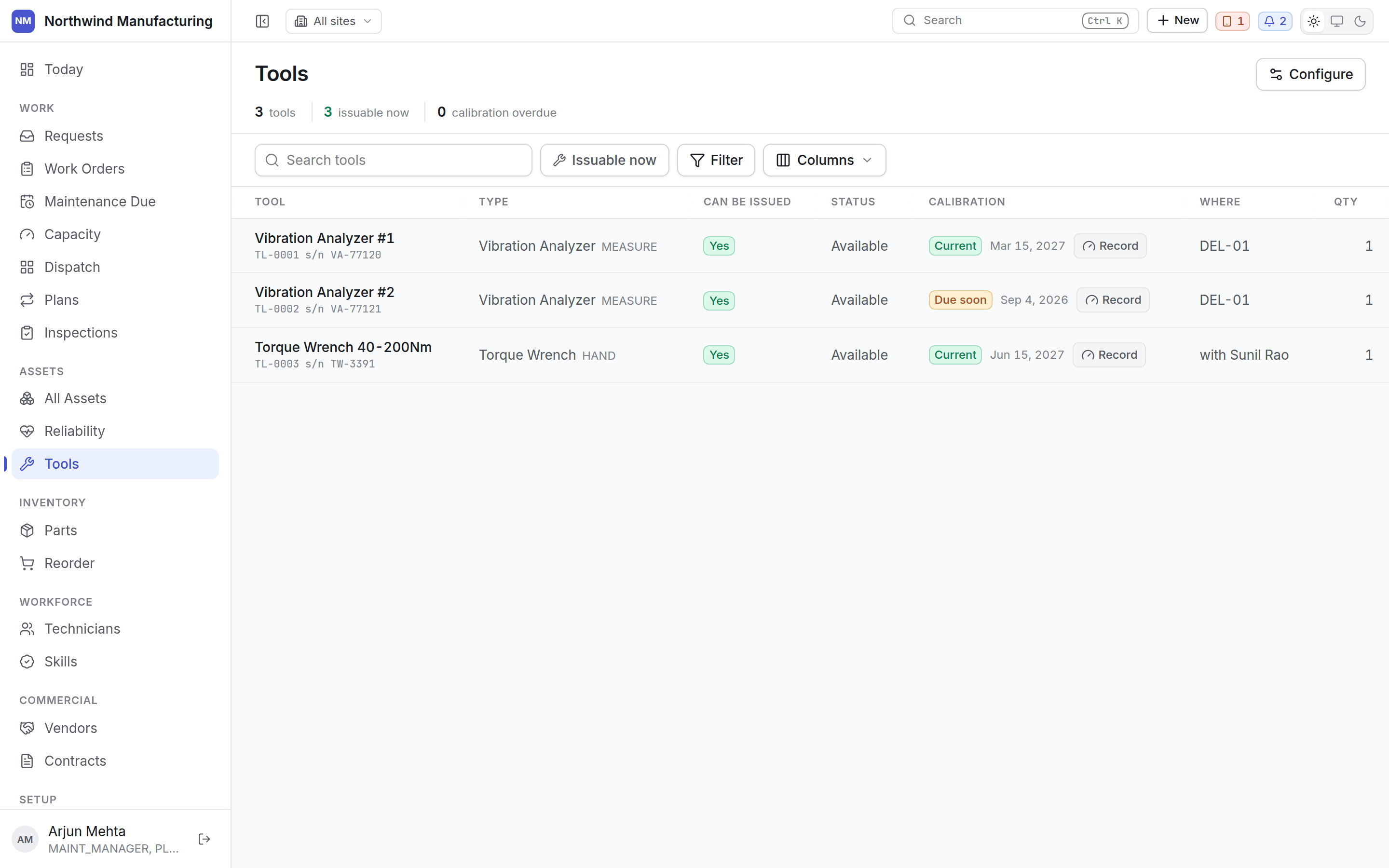
Can it be issued?
Two different things decide, on two different records:- The status says whether the tool is available for booking.
- The condition says whether it is safe to use.
Calibration
The other thing that stops a tool being usable, and it is worse than unavailable. An overdue instrument still works. It still gives a reading. That reading is simply no longer evidence — which means work already signed off on it is in question, not just work still to come. Each tool shows when it was last calibrated, when it is next due, and whether it is overdue. Overdue tools raise a notification and appear as a shortage on the readiness of any job requiring them. Record a calibration on the tool to reset the clock. The history is kept, because “when was this last calibrated” is an audit question.Issuing a tool
Tools are taken out against a job. The register shows what is out, to whom, on which work order, and since when. A job that needs an instrument carries it as a requirement, so:- Readiness warns if it is unavailable, damaged or out of calibration.
- Dispatch warns before you send somebody without it.
- The tool cannot be quietly double-booked across two jobs at once.