

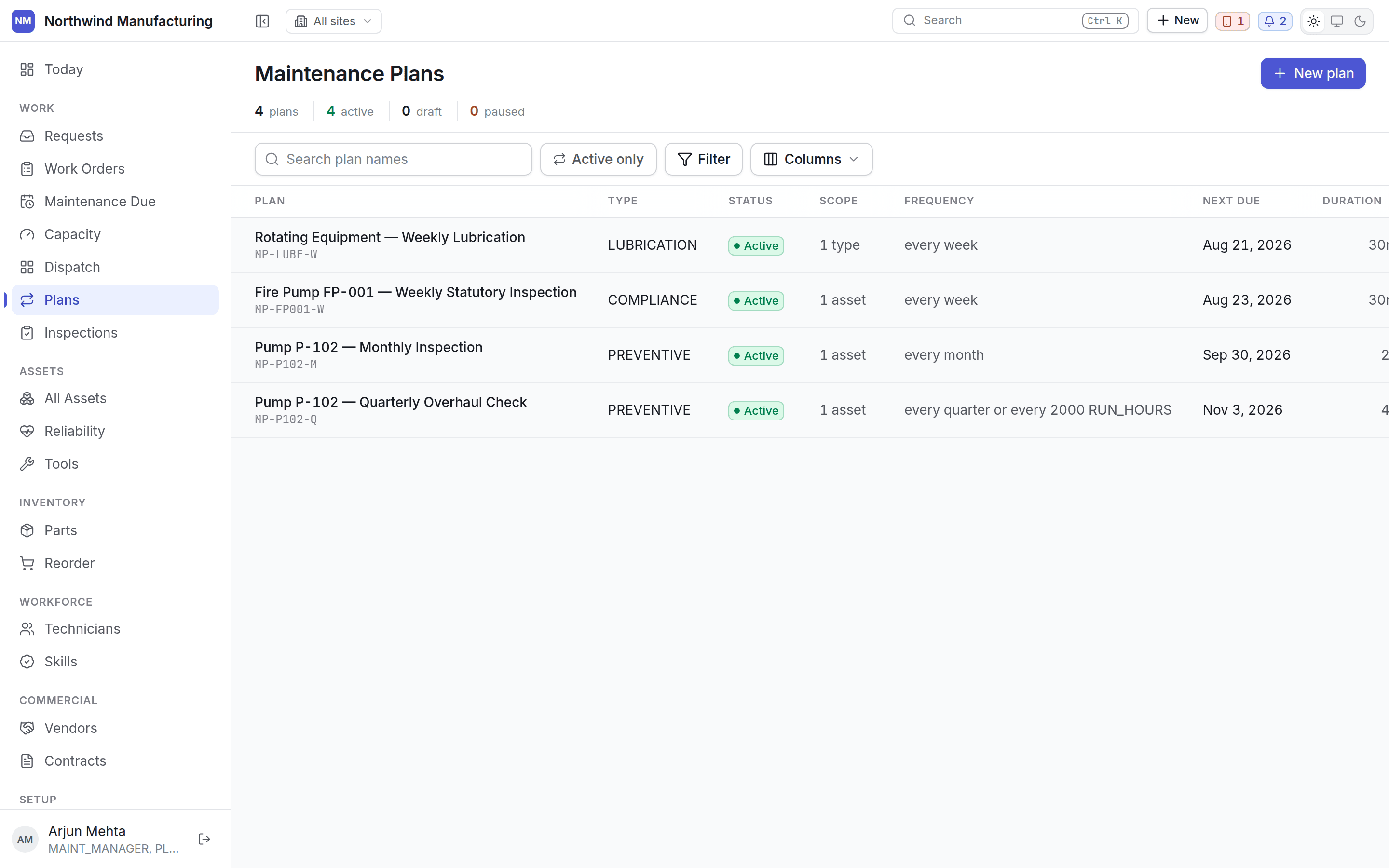
The frequency column
Every plan shows its schedule as a sentence — “every 90 days or every 2000 run hours”. A plan may carry several triggers combined with ANY or ALL, and that sentence reads the same here, on the plan itself, and in the notification that says a round is due.Columns
Plan states
Draft
Draft
Being built. A draft generates nothing — a half-built plan is inert rather than dangerous.
You can leave the builder and come back without losing work.
Active
Active
Running. It raises occurrences on schedule, and those appear on
Maintenance Due.
Paused
Paused
Stopped without being deleted. Nothing new is raised; existing work orders are untouched. Use
this for a machine out of service rather than deleting a plan you will want back.
Opening a plan
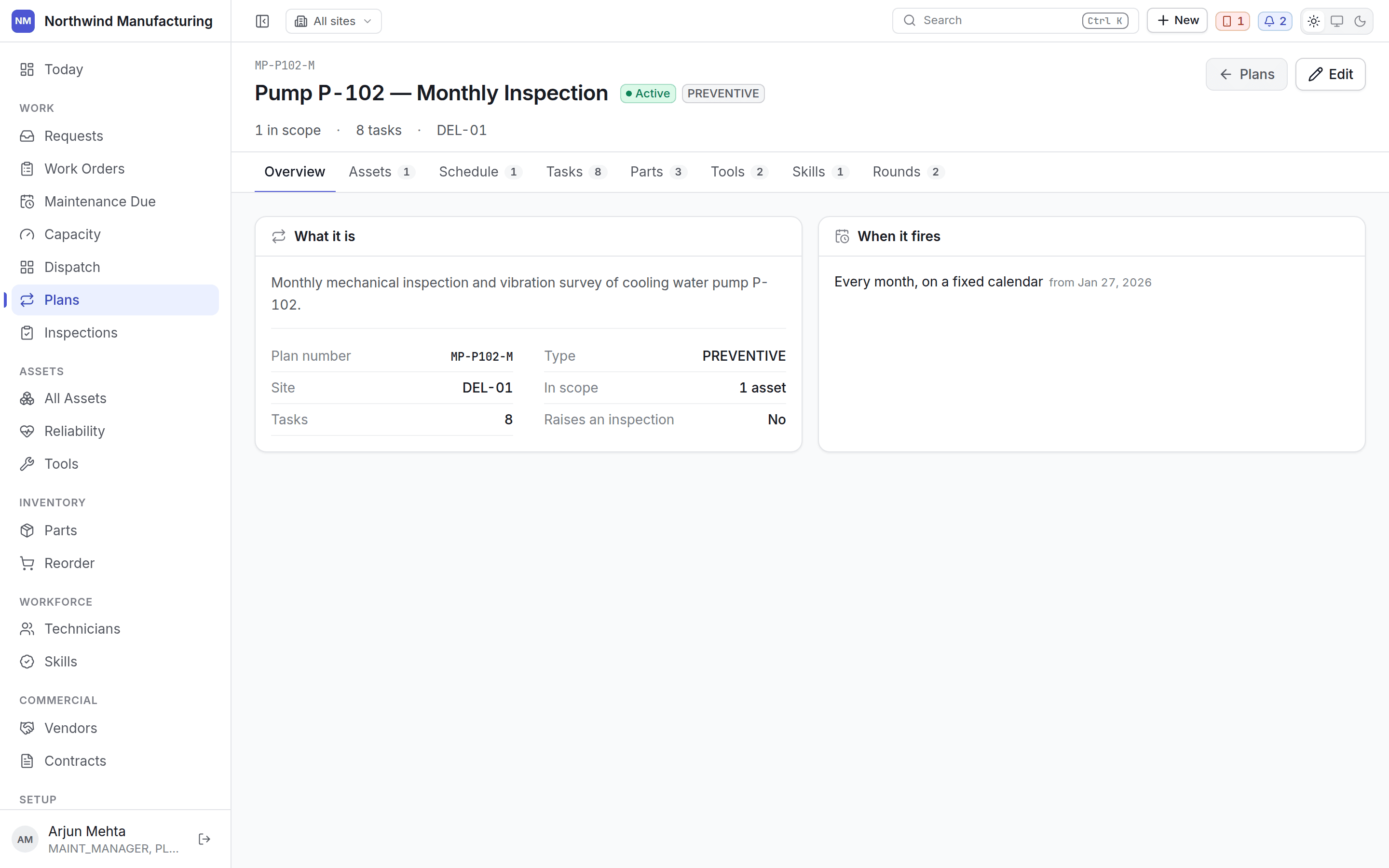
Editing
Edit reopens the plan builder on the existing plan. Changes affect occurrences not yet raised; work orders already created are untouched, because a job somebody is part-way through should not change under them.What a plan can raise
- A work order, always.
- An inspection round alongside it, where the plan names an inspection template. See inspections.
Build one
The twelve-step builder, one step at a time.