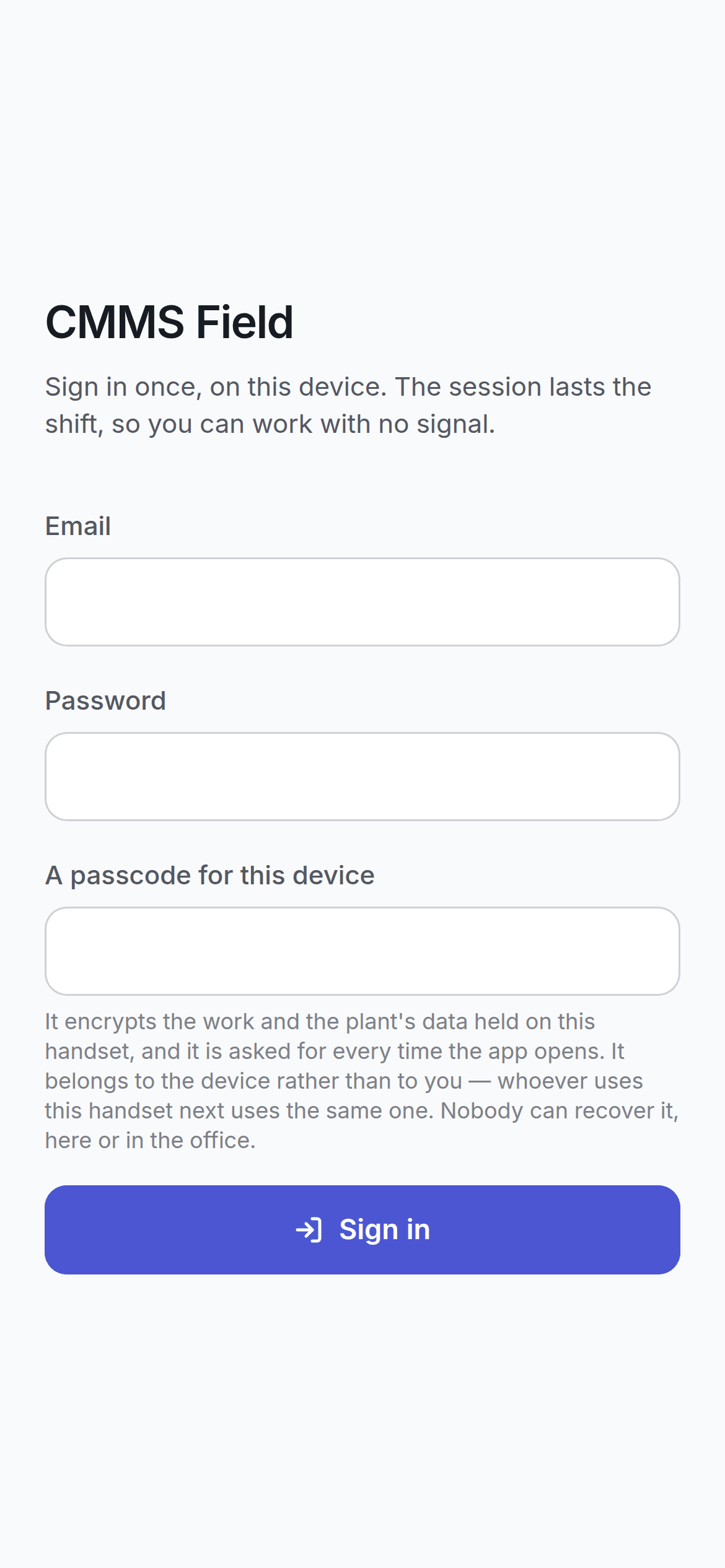
Signing in on a handset does more than it does on a desktop: it enrols the device and creates an encrypted database on it. The field app sign-in screen

First time on a device

1

Email and password

The same ones you use for the main app.
2

Choose a passcode

At least four characters. This is asked for only on a device that has not been set up yet.
3

Wait

The app builds its encrypted database and downloads the work assigned to you. This takes a while — it is doing real cryptographic work — and only happens once per device.

The passcode

Three things about it surprise people, so they are worth saying plainly.
It belongs to the handset, not to you. Whoever uses this handset next uses the same passcode. It is not your personal password.
Nobody can recover it. Not you, not your supervisor, not the office. A passcode that could be reset would be encryption whose key is optional.
It encrypts the work and the plant’s data held on this handset. That is what it is for. A phone left in a canteen does not hand over your plant’s asset register.

Every time the app opens

After the first time, opening the app asks for the passcode. The field app lock screen The passcode is what decrypts the local database, so there is no way past it. What the screen offers instead is the honest exit: start again, which erases the local copy and signs in fresh.
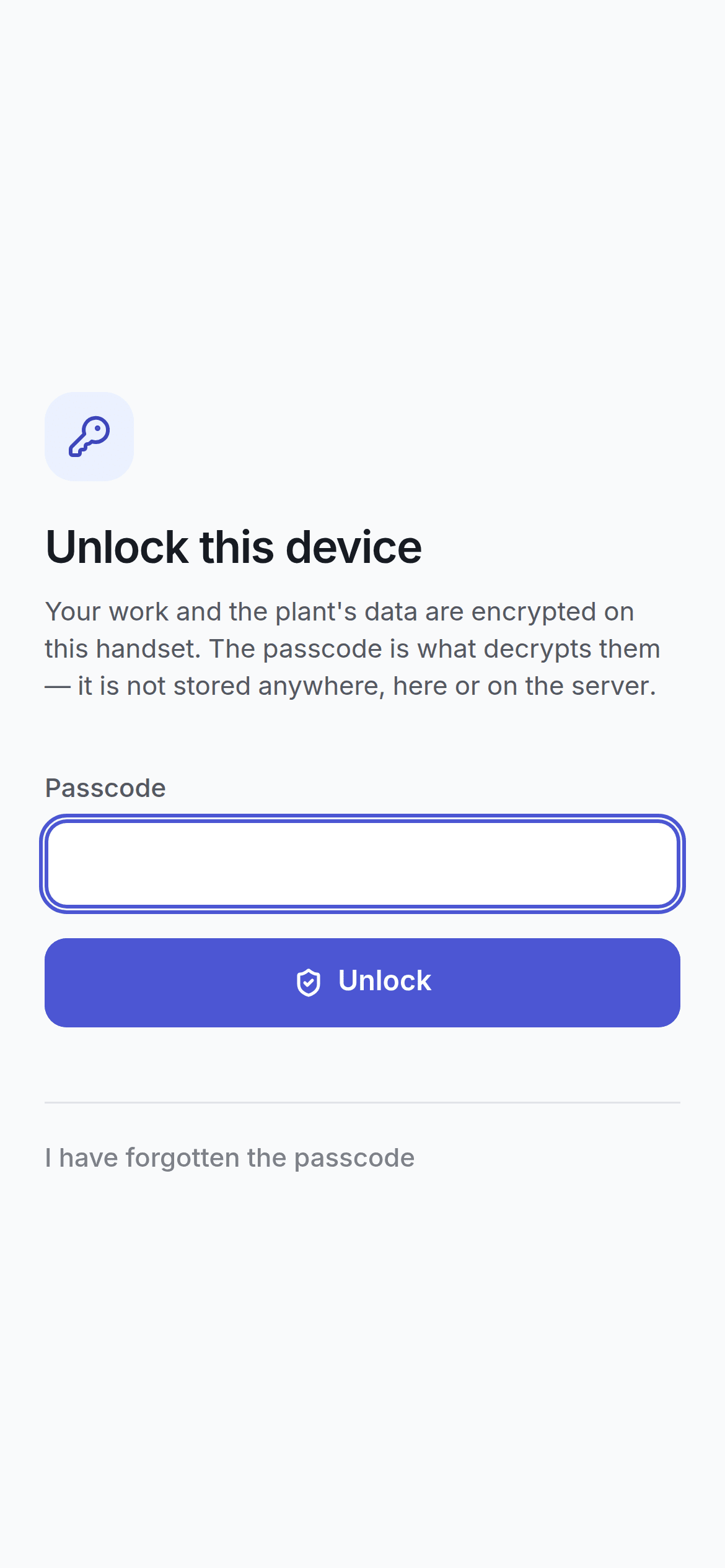
Starting again costs any work on the handset that has not reached the server yet. The app says so and asks twice.

Signing out

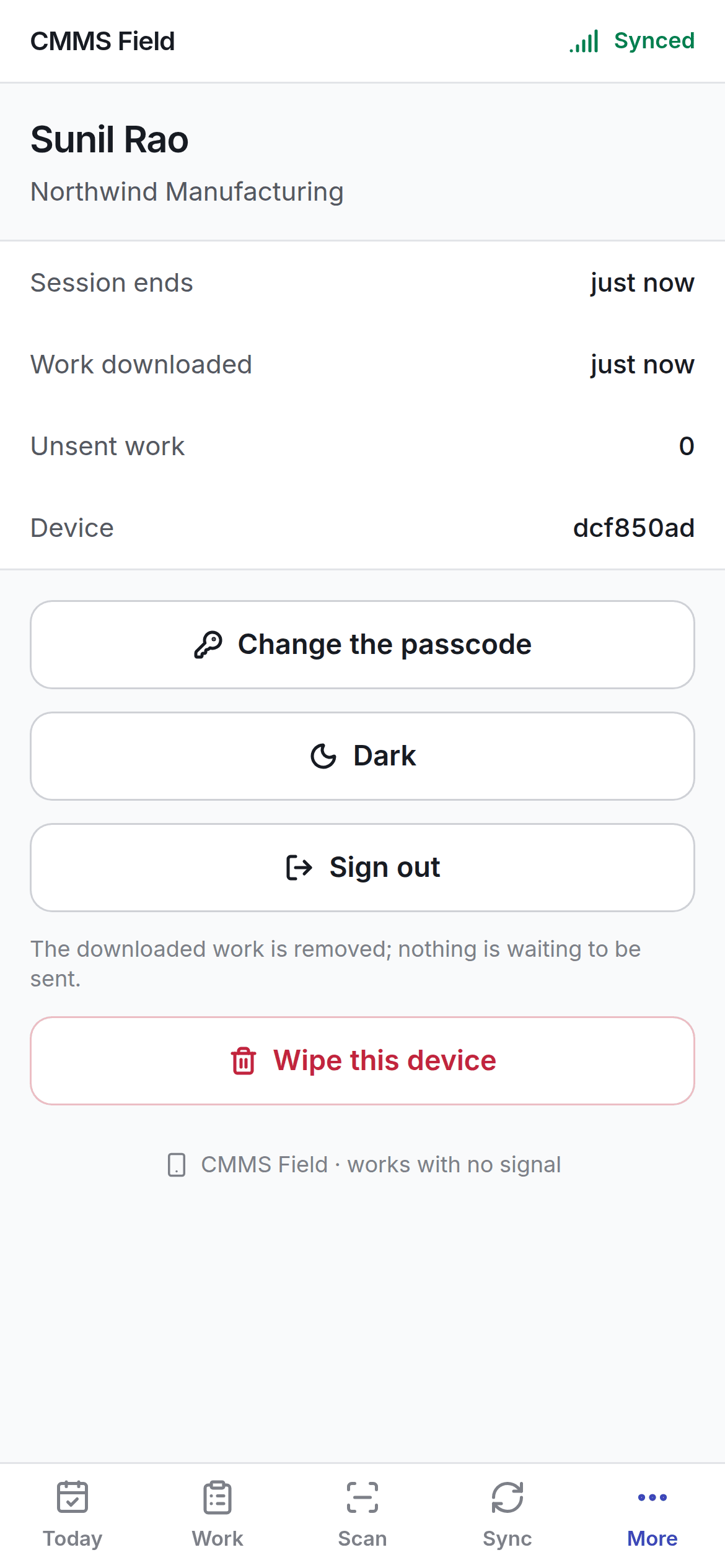
The More screen on the field app, showing sign out and wipe More → Sign out forgets your session and the downloaded records — but not the queue. That is deliberate. A shared handset changing hands between shifts must not take the previous technician’s unsent afternoon with it. Those queued operations already name the person who did them, and the server applies them as that person, not as whoever signs in next.

Wiping the device

More → Wipe everything is offered separately, worded plainly, and confirmed. It is the right answer for a handset leaving the site and the wrong one for a technician finishing a shift.

If the device has been revoked

An administrator can revoke a lost handset. It can no longer sync, and its sessions end — but the work already queued on it is kept on the server side of the record rather than discarded. See the Sync Center.