

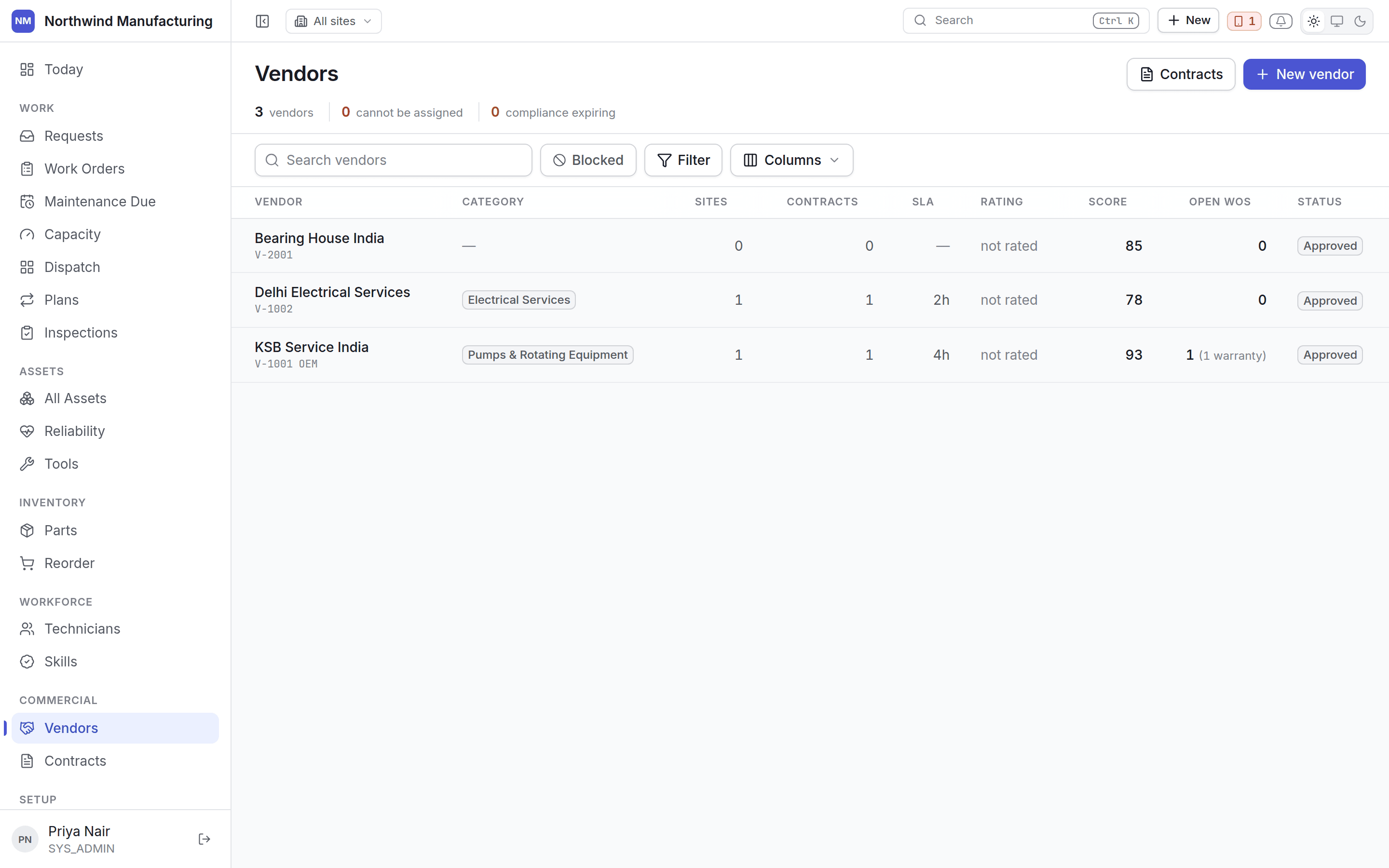
Vendor states
A vendor is approved before they can be used, and can be stopped afterwards.
Allowed moves:
Columns
Compliance leads
A vendor whose public-liability cover has lapsed is not a vendor with a footnote — they are a vendor nobody may send. The compliance state is shown before anything else, on the list and on the vendor.Adding a vendor
New on this screen, or New → Create Vendor in the header. A vendor needs a number, a name, a type and a category. Everything else — contacts, sites, capabilities, rates, compliance documents — is added on the vendor itself.Inside a vendor
Contacts, sites, capabilities, contracts, work, performance, rates and compliance.